Mindy Blasbalg 2026
Case Study
Smart
student
management
platform
Custom Task & Knowledge Management
for Mifgash Institute
My RoleUIUX researcher & designer
Overview
The lack of order and constant chaos caused daily problems and demanded a solution.
As a senior employee at the Mifgash Institute, I witnessed how the lack of organization impacted work quality, productivity, and team confidence. To address this, I centralized all information into one engaging and interactive system for the staff.
Challenges
A disorganized workflow caused confusion and led to missed tasks.
Lack of Clarity
Employees lack clarity about the tasks they need to complete during the day.
Lost Tasks
In a dynamic, fast-paced role, the absence of a dedicated space for task tracking and reminders often causes tasks to fall between the cracks.
Disorganized Information and Lack of Structure
Since there is no single place that consolidates all relevant data, employees have no way of knowing whether the information they have is accurate.
As a result, before taking any action, they find themselves checking multiple documents and files (and there are many...). This leads to wasted time and frequent mistakes.
Goals
Creating a simple flow where tasks are clear and priorities are obvious.
Simplifying the Workflow
The goal was to create immediate clarity, ensuring employees know exactly what to prioritize, allowing for a smoother, more logical, and efficient workflow.
Centralizing All Information
Gathering all information into one unified platform. This stops mistakes caused by scattered data, giving the team full confidence in their choices without the hassle of juggling multiple tools.
Research
Uncovering the Root Cause by analyzing the Workflow & running In-Depth User Interviews.
I investigated the root cause by analyzing the actual daily workflow and interviewing the team to map their specific needs. My goal is to gain a deep understanding of their daily struggles, so I can build a solution that truly works for them.
Persona

Noa21JerusalemStudent Administration Manager
Challenges:
- I have no way to verify if the information I have is the most up-to-date.
- I waste valuable time on manual work over and over.
- I want the option to add reminders for myself while working.
If there was just one place that brings everything together in an organized way, it would save a lot.
Maya24JerusalemOffice Manager & Sales Lead
Challenges:
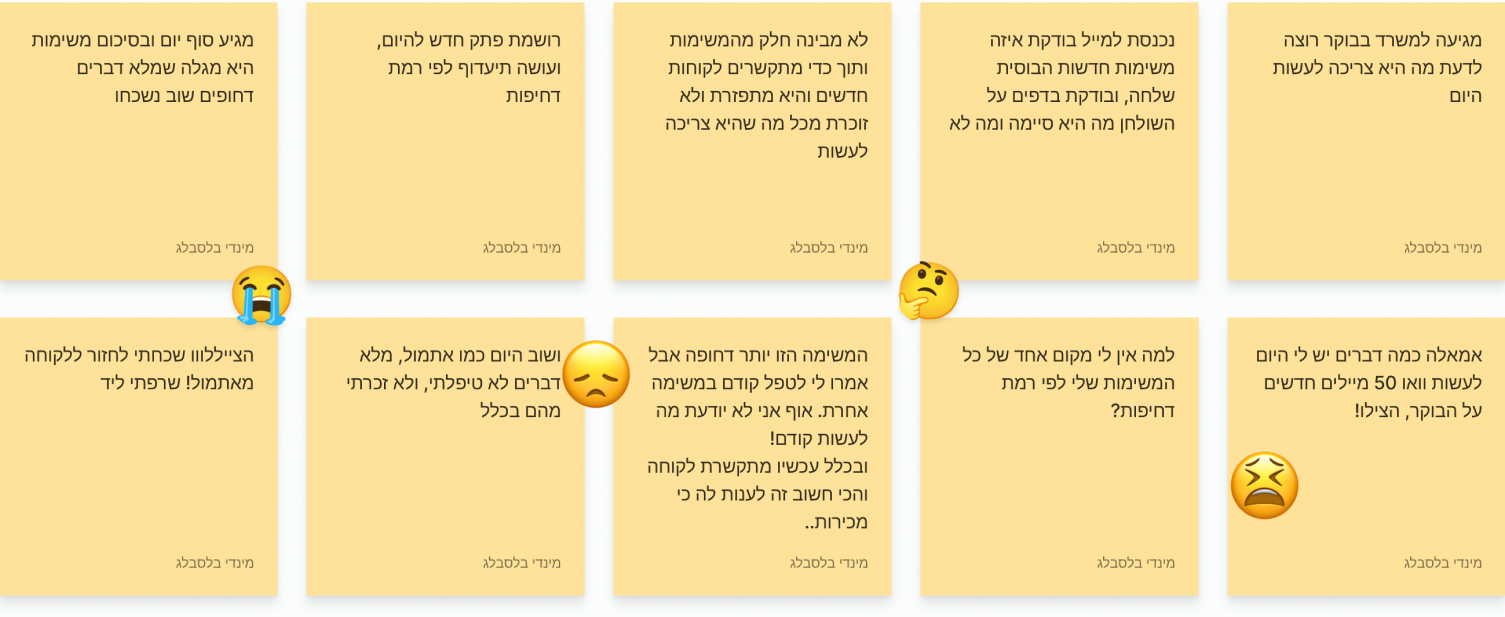
- All the information is messy, and I have to update it in several sheets every time.
- A client calls in the middle and I need to enter it into the system, but I am in the middle of something else, and then I forget to save.
I want to come in the morning and see exactly what I have to do and what is most urgent, and to be able to open a new client at any moment.
Current Workflow
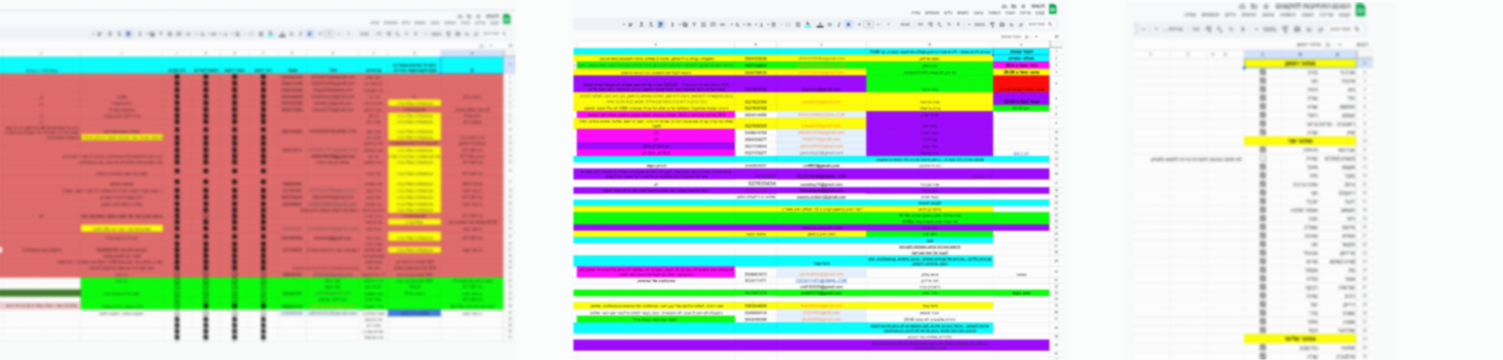
Analyzing Market Leaders
I analyzed task management systems like Monday and Asana to understand how to centralize information in the most accessible way for the employee.

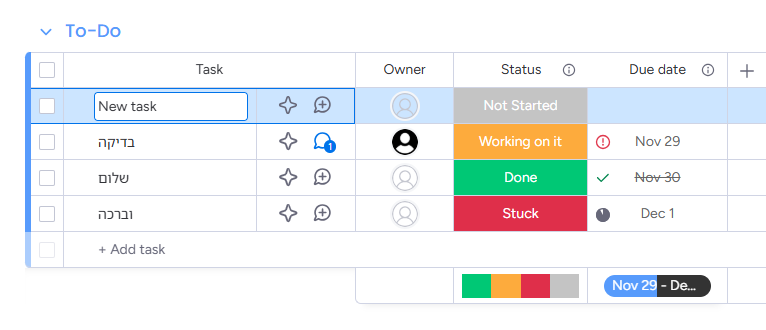
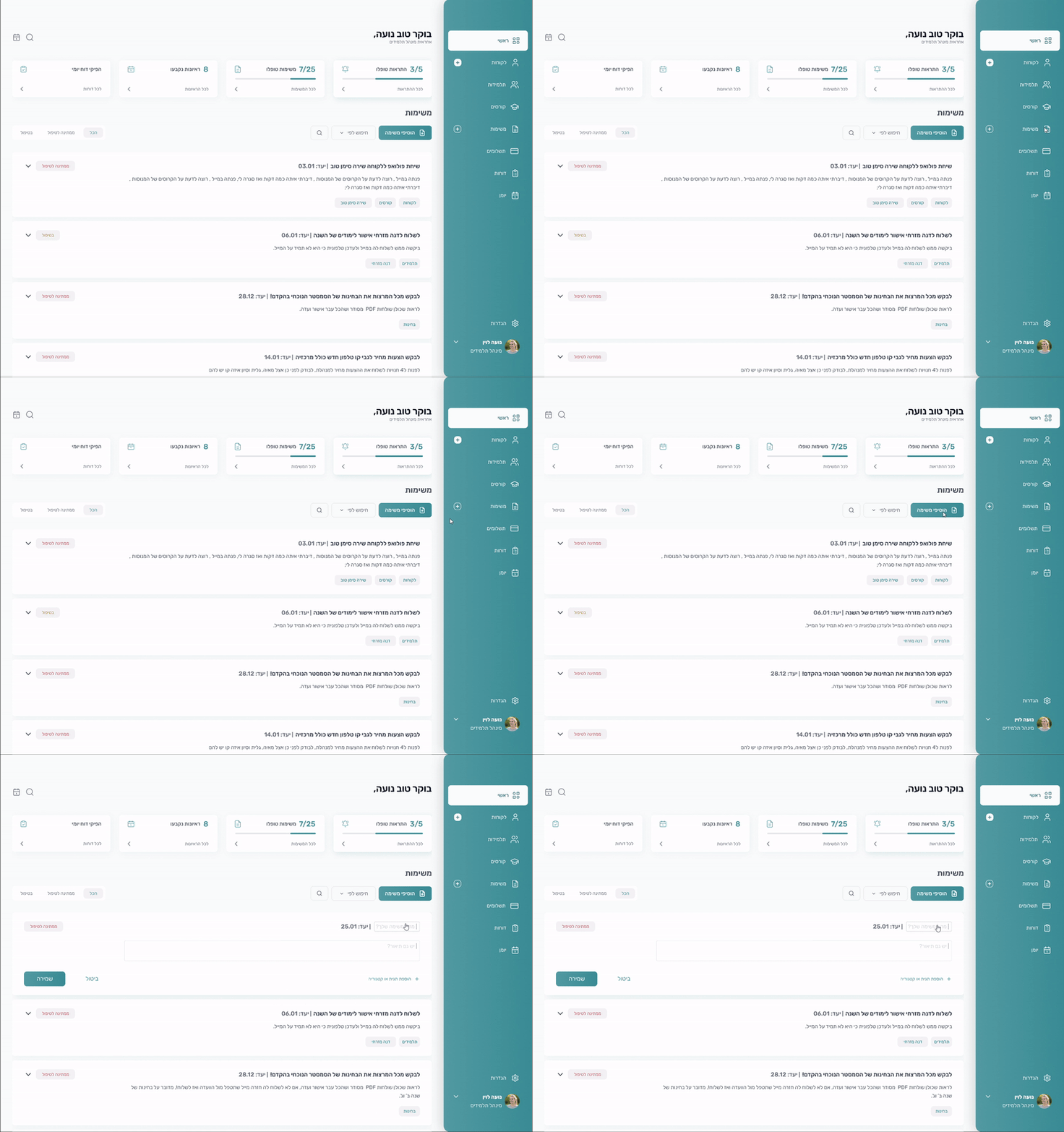
A new task opens directly inside the dashboard. 
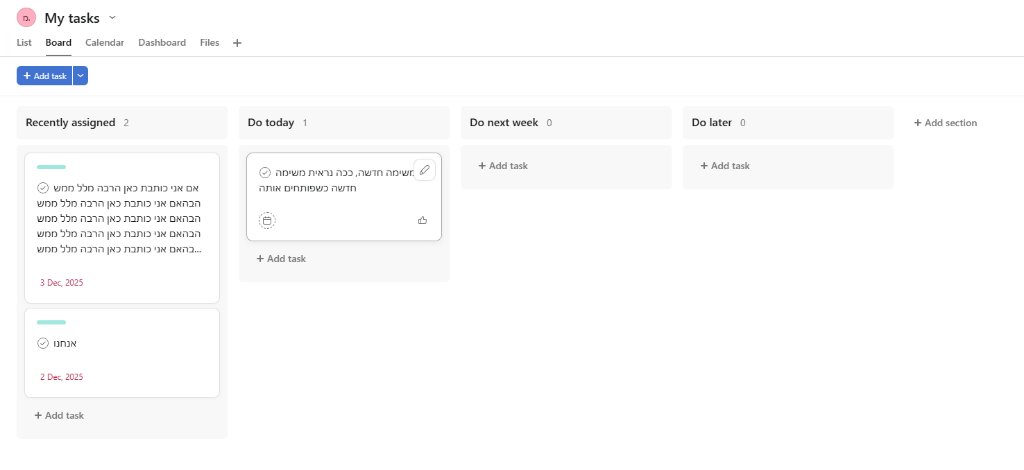
When hovering over the card, there is an edit option.
Solving
Solving the Challenges
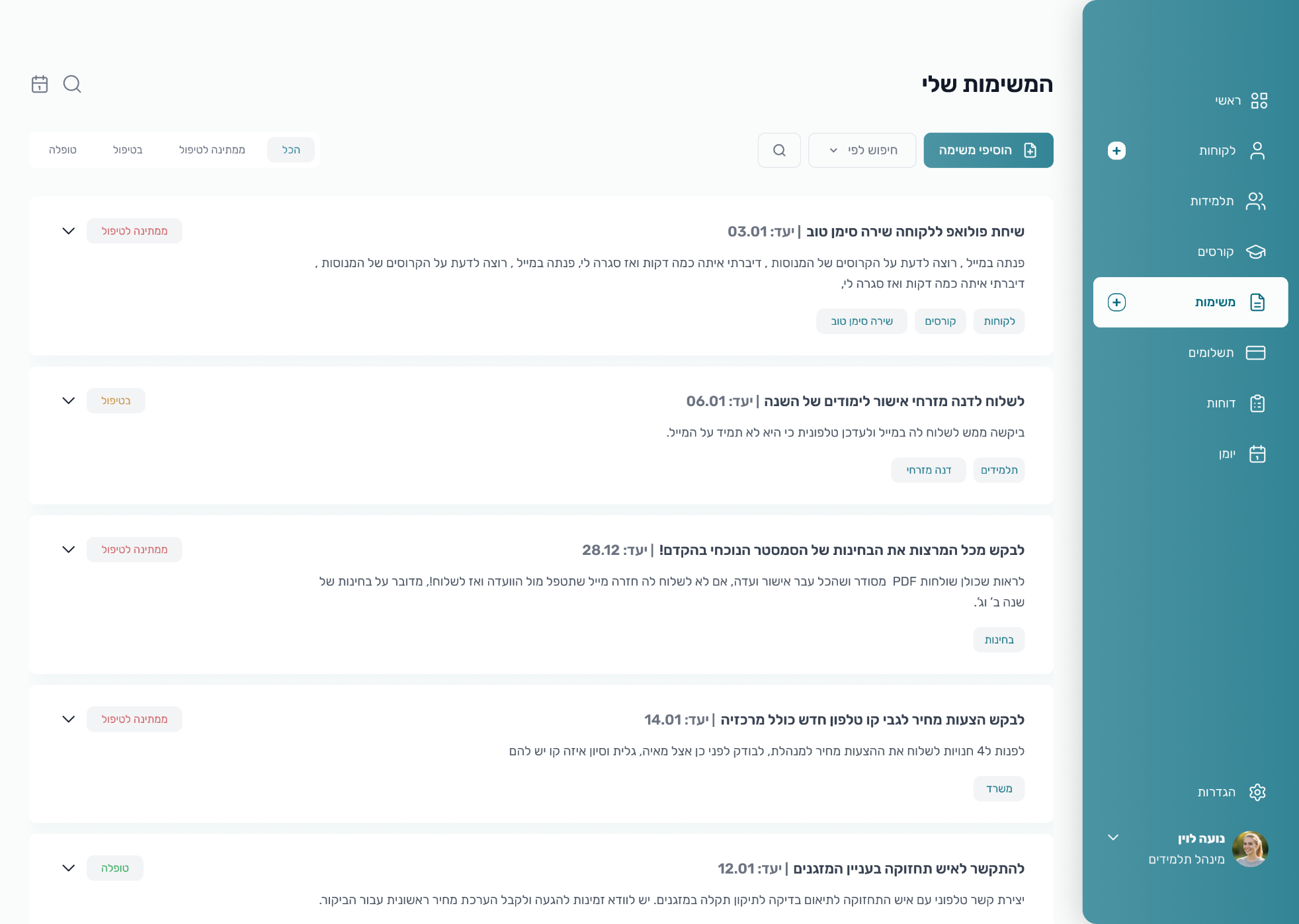
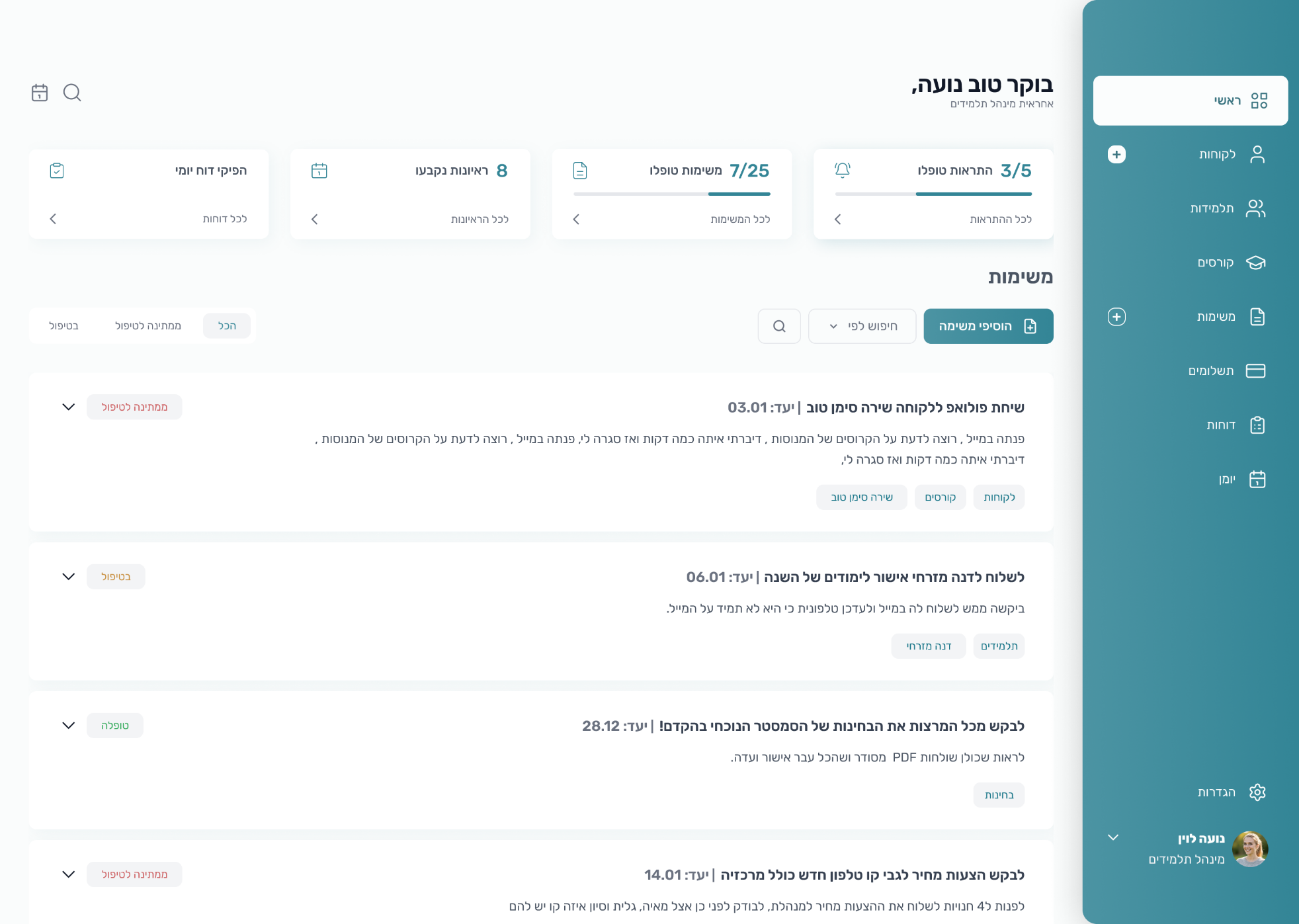
Important information is accessible directly from the dashboard, which is the default screen. This makes the work process easier and gives the employee a sense of confidence and calm.
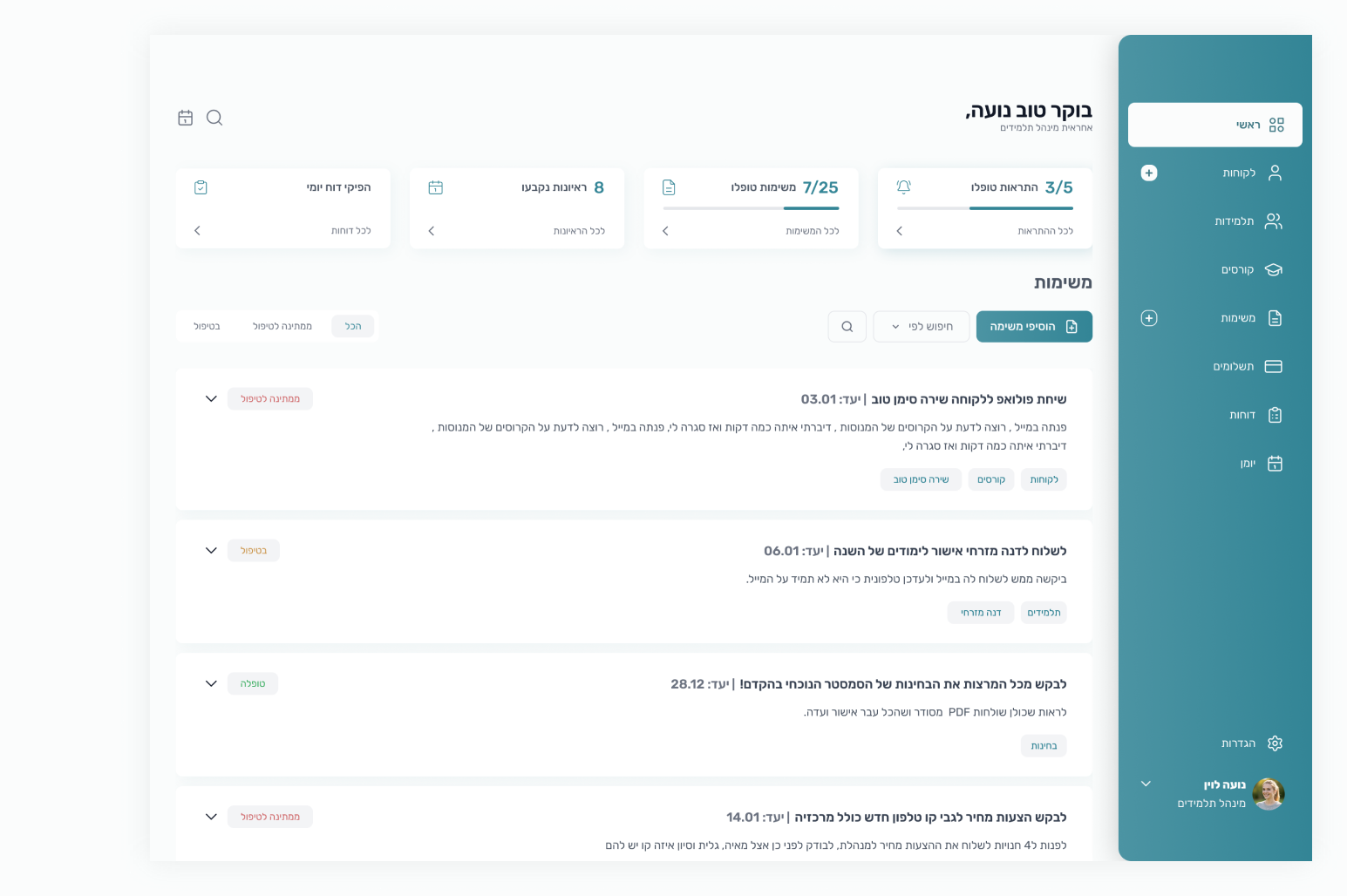
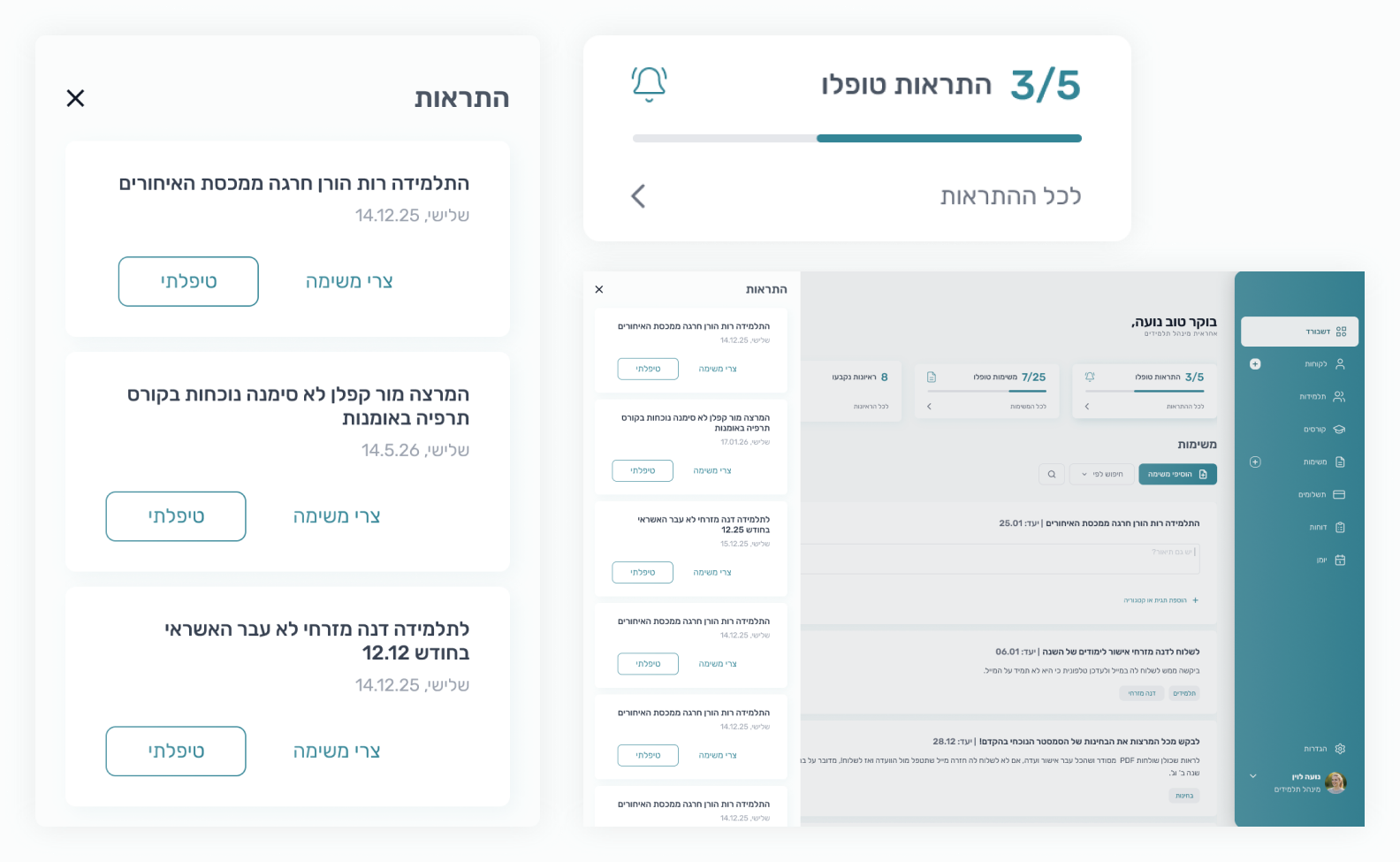
Urgency FirstI created a clear separation between tasks and notifications to handle what is urgent first.
Task OverviewAll the employee's tasks are centralized in one dashboard, with statuses showing the current state of the task.
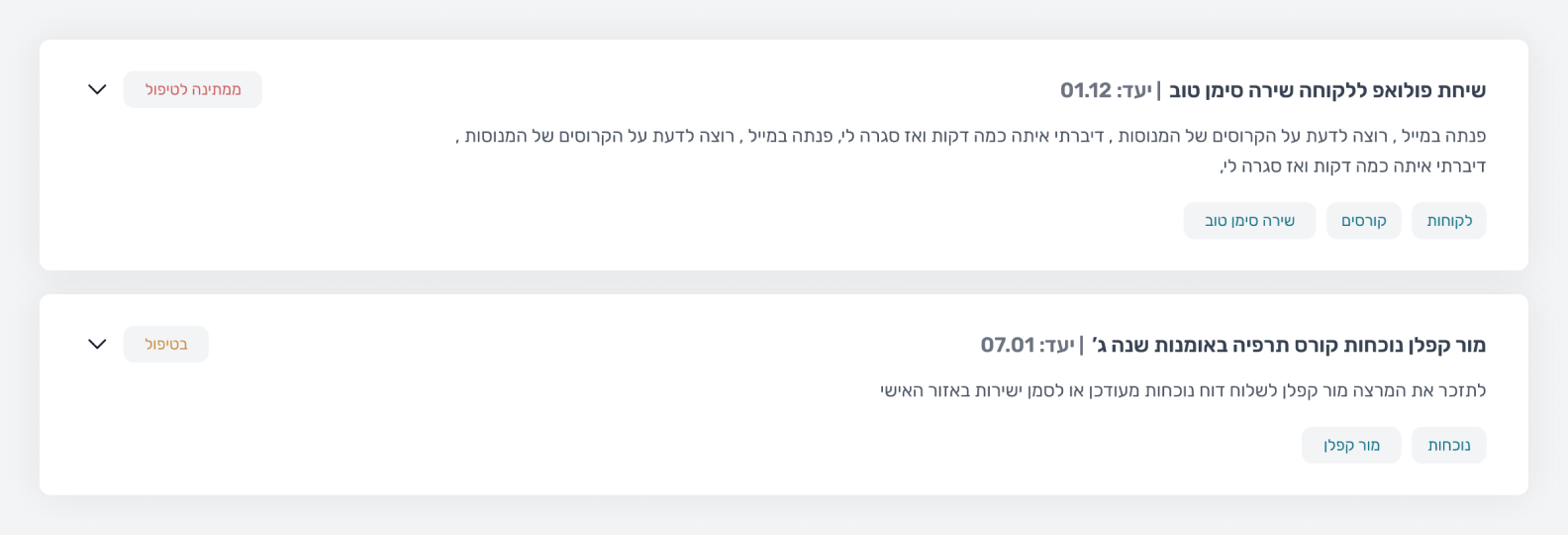
Fully SyncedEach task has a tag that links her to the student to ensure full synchronization.
Quick ActionsKey actions, like creating a new client or task, are accessible from the sidebar on every screen, without interrupting the workflow.
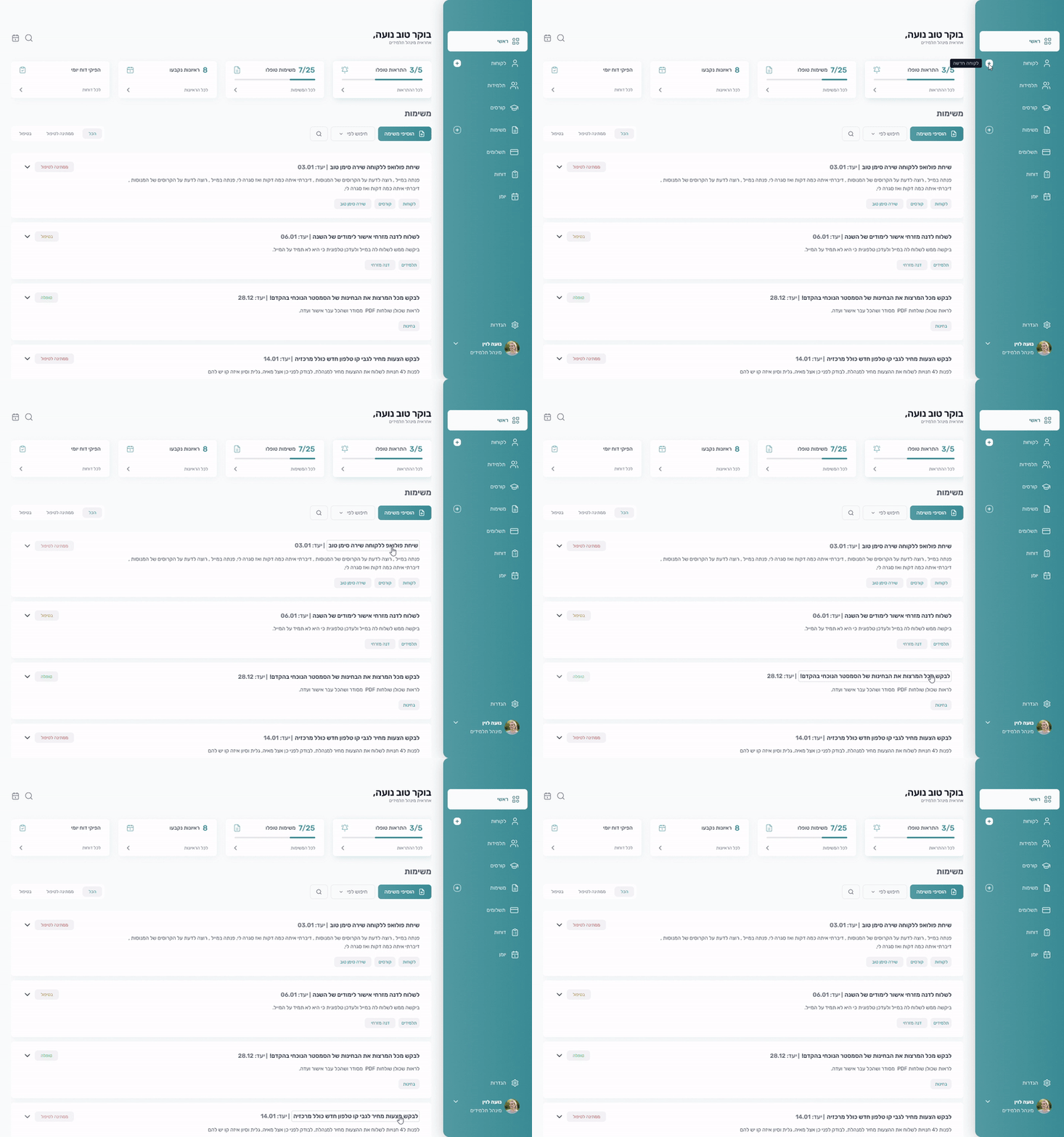
Progress TrackingI created a dedicated space to track tasks and alerts. This boosts motivation and gives a clear indication of how long the work actually takes.

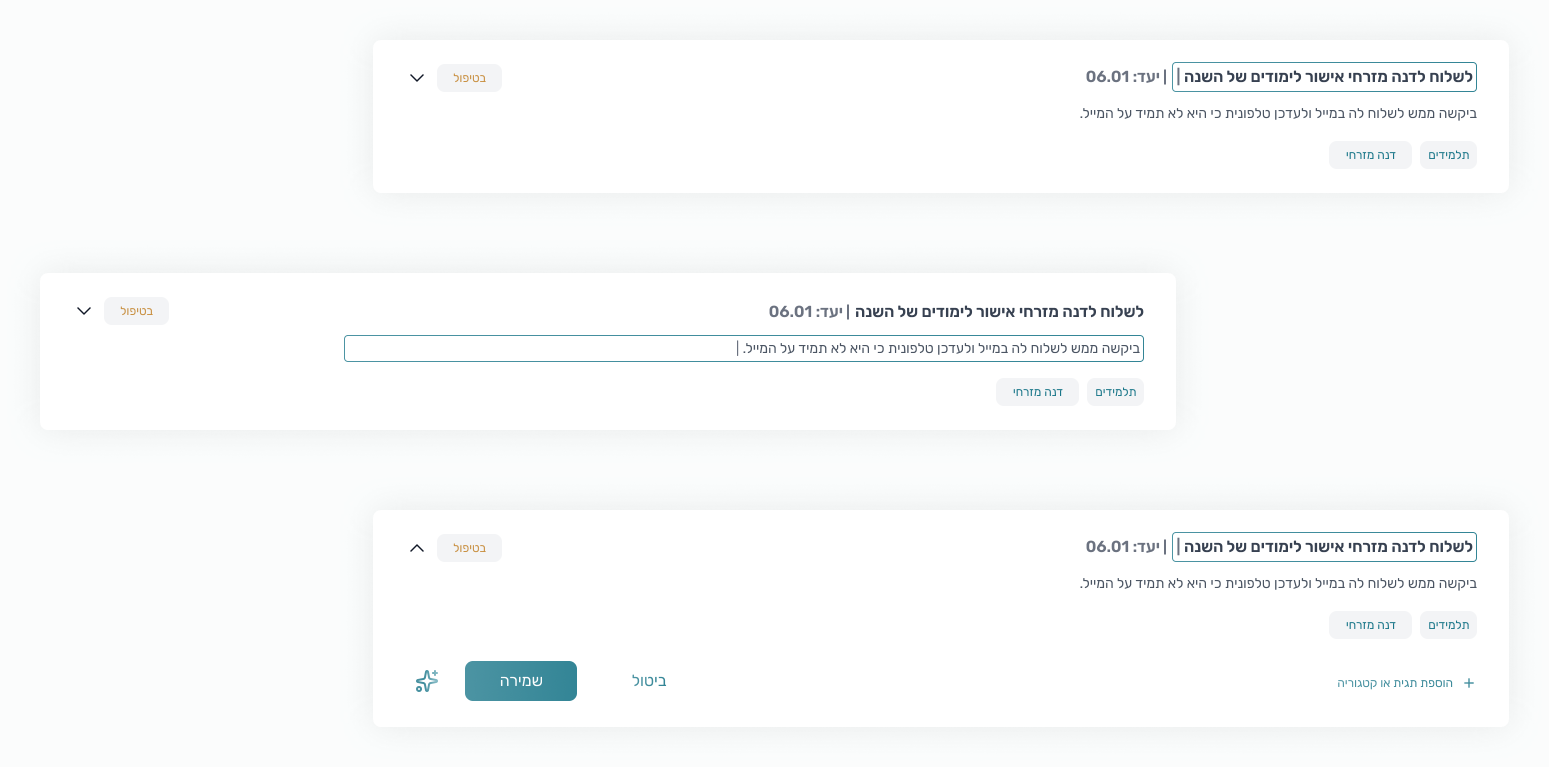
Instant EditingEditing a task is done immediately within the screen, allowing the staff to make quick changes without losing their place.
Looking Ahead
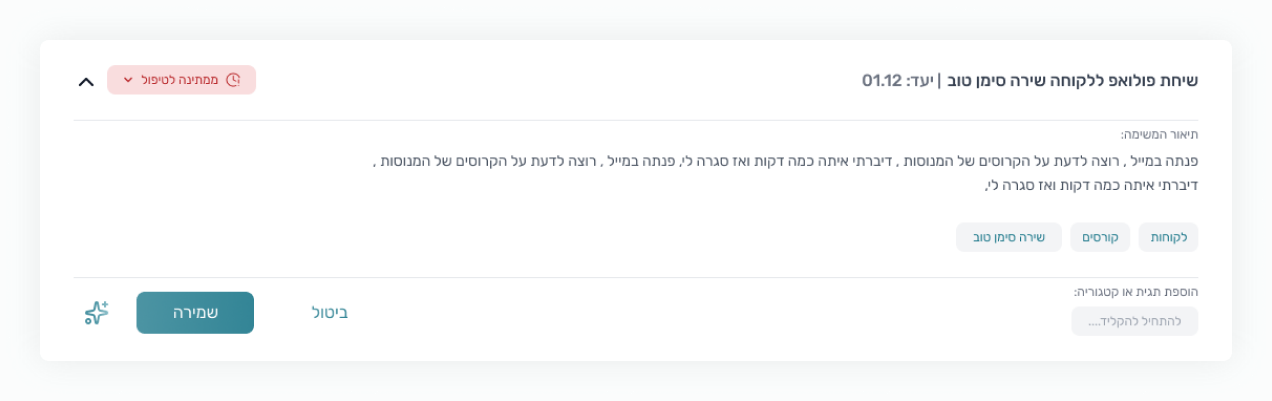
My next goal is to integrate an AI 'Smart Assist' button to streamline the workflow even further:
- Automating routine actions (like sending documents).
- Helping employees manage their tasks by offering friendly suggestions for 'What to do next'.


User Feedback
The interface is so organized and clear. I finally know exactly what to do first. It’s great to have different options for opening a task.
The actions I need most are super accessible. And the real-time syncing keeps everything organized and updated instantly.